Automatically Closing a Fiscal Day
Closing the fiscal day ensures that charges can no longer be posted to the fiscal day. The user can only post to a prior non-closed fiscal day if the user has the appropriate permissions. As part of this process, the user needs to review the Night Audit Reports and make any adjustments to the day’s revenues.
Perform the following steps to close the fiscal day automatically:
Navigate to Settings ➜ Guest Accounting ➜ Date Roll and Night Audit.
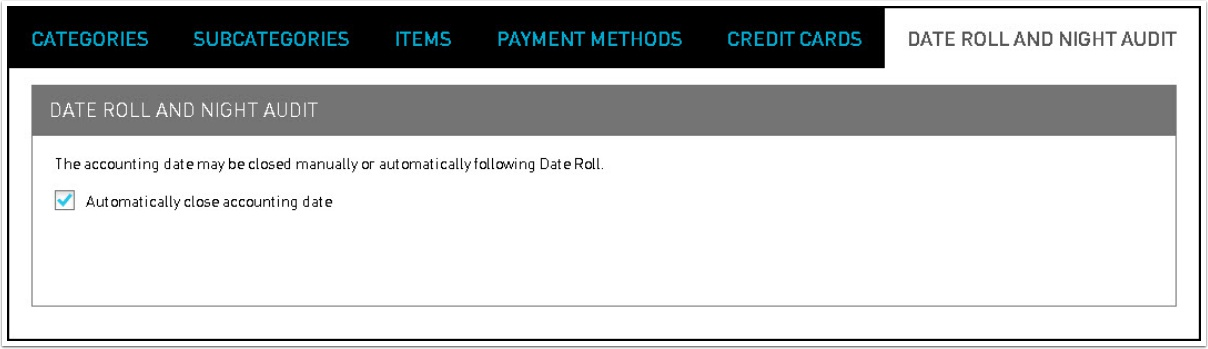
Select the checkbox next to Automatically close accounting date field to close the accounting date during date roll, which ensures that charges can no longer be posted to the fiscal day.
By default, the Automatically close accounting date checkbox is Inactive. When the Automatically close accounting date checkbox is selected, the closing of the accounting date is not automatically done.